Drag And Drop Godot
Really nothing new here but the `mouse_filter` option

The particular problem I was having was that once I dragged a bunch of items over a target in Godot, the mouse event would no longer trigger `_can_drop_data` on the target node.

You can see here that the mouse turns to a 🚫 sign when I drag the vocabulary cards over other cards. But I want to be able to drop cards on these gray columns even when there are other cards already there!
I asked ChatGPT (not very well because I’m pretty impatient)
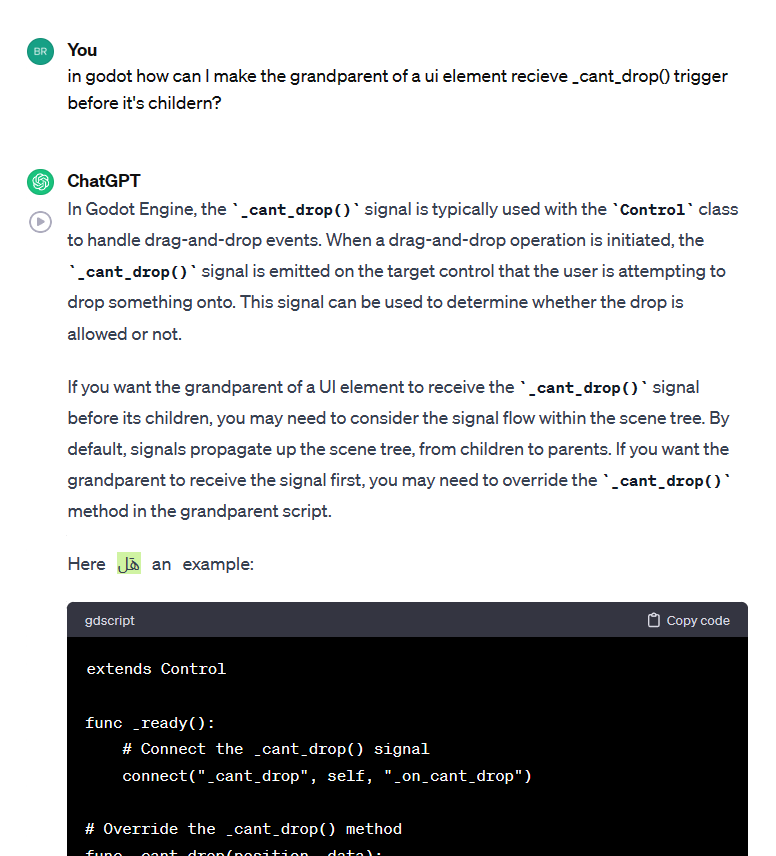
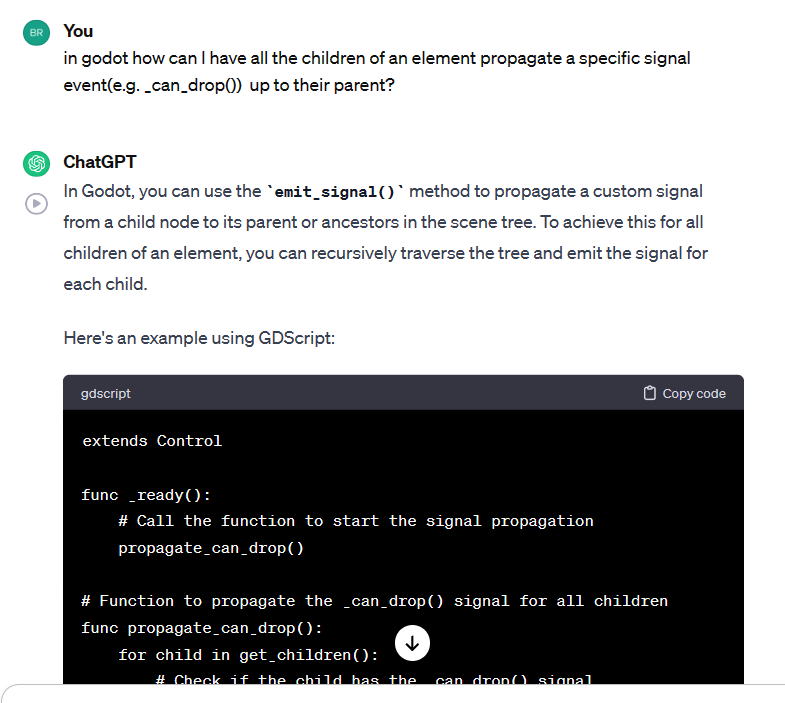
It was not very helpful. I looked at a bunch of online videos, but those also just walked (very well!) through how to create drag and drop. Not my specific problem of passing the drop event to the proper node. I didn’t see anywhere else that addressed this and eventually I joined the Godot Discord and asked for help.
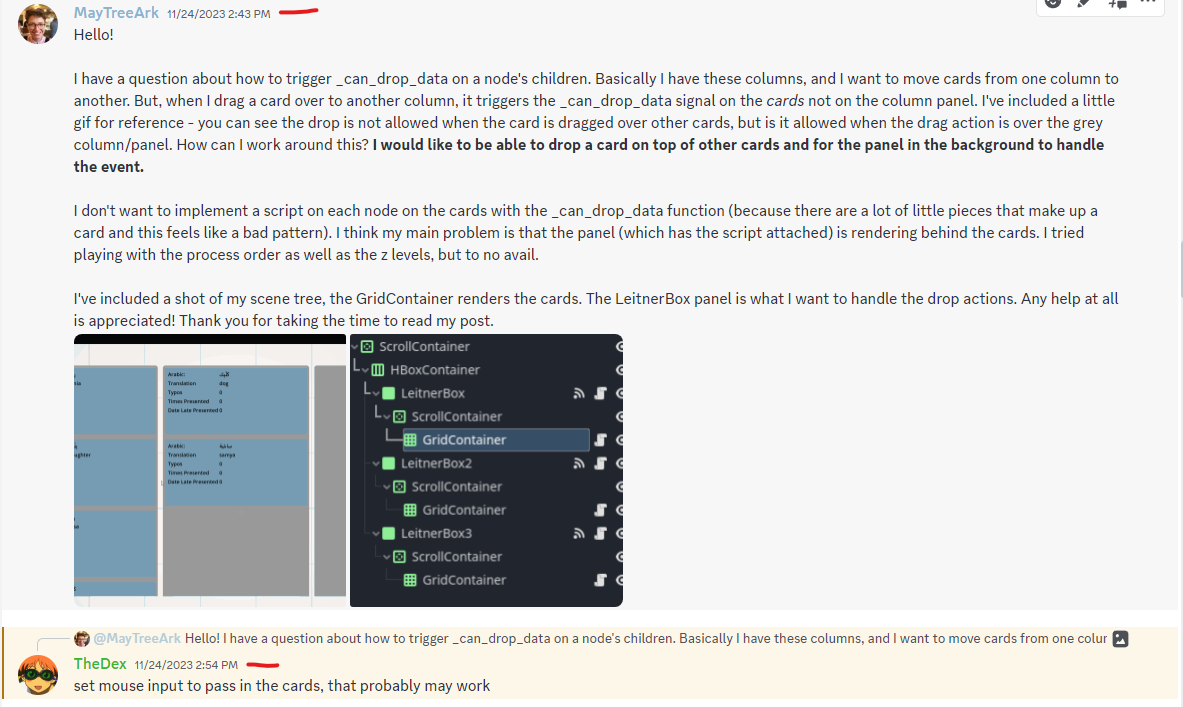
Are you serious? A response 11 minutes later??? Amazing. I didn’t totally get it right on my first try. But I posted again and -
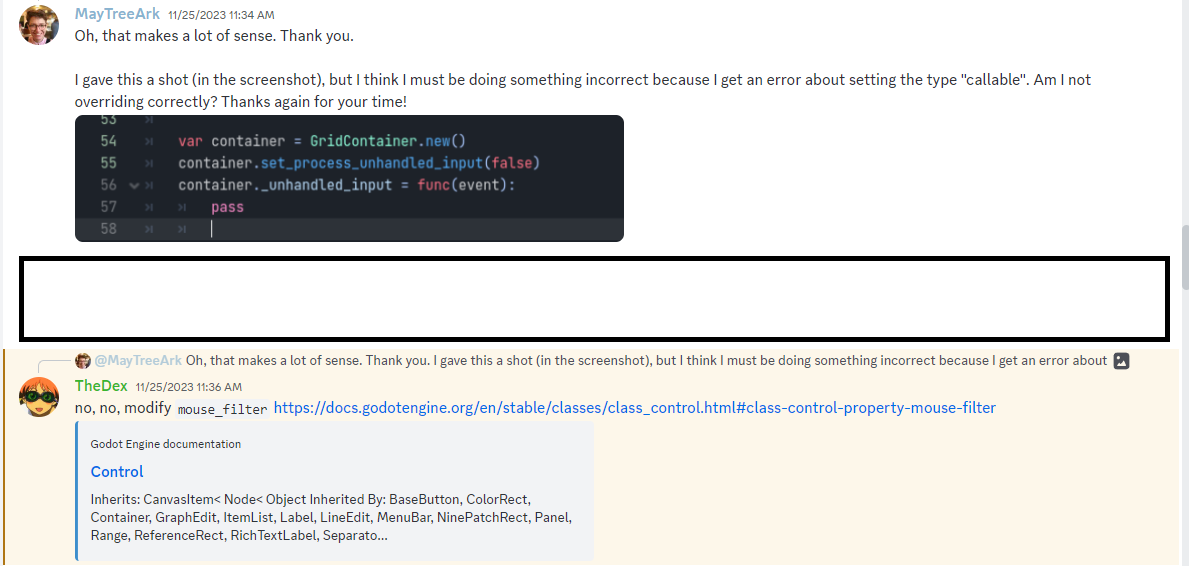
BAM, less than 10 minutes later I have a much better clarifying response. I added the following code to any nodes that I wanted to ignore or pass along the mouse event.
var button = Button.new()
	button.text = "X"
	button.mouse_filter = Control.MOUSE_FILTER_PASS
	button.button_down.connect(remove_word)
	container.add_child(button)
I think we all learned here that TheDex > ChatGPT. Long live TheDex.
But if you’re coming here for help let me start at the beginning. What is going on here?
Drag And Drop Basics Review (Skip if you already know this)
There are 3 key functions for basic drag and drop (I suppose this is UI specific, but so far, my whole game has just been UI so I’m not sure). _get_drag_data, _can_drop_data, and _drop_data. These three functions are divided between the source node you want to move and the target node you want to drop onto.
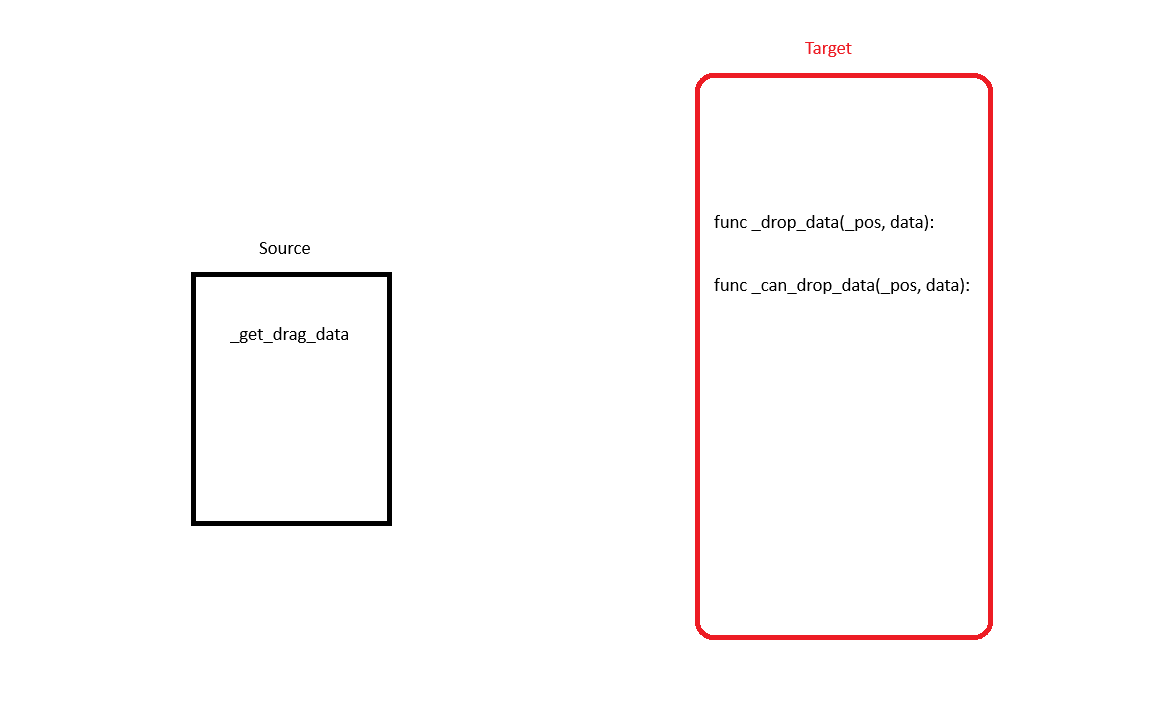
This video was the best one I watched about it. Absolutely excellent explanation.
Source Node Code
The _get_drag_data function should return the data you want to pass to the _drop_data function. For me, this was my VocabularyWord class instance.
func _get_drag_data(_at_postion):
	return word

#word is defined higher up. Basically, an object with a bunch of metadata
You can also optionally call the set_drag_preview function in here. I recommend, it makes debugging easier.
func _get_drag_data(_at_postion):
	set_drag_preview(get_drag_preview())
	return word
And then a get_drag_preview() is defined as
func get_drag_preview():
	var preview = ColorRect.new()
	preview.set_size(Vector2(100,100))
	preview.color = Color.BLUE
	return preview
Target Node Code
Alright, enough of that, now let’s focus on the listener! The listener basically will listen for _drop_data and then rearrange itself accordingly (usually by spawning a child that takes the shape of the dropped node). For example, when it detects that the vocabulary card for me has been dropped, it adds a node to itself that has all the basic vocabulary information. It also sends a signal to the originating column (which houses the original card) telling it to delete the card.
func _drop_data(_pos, data):
	if data is VocabularyWord:
		word_dropped.emit(box_index, data)
word_dropped is my own signal, which all columns subscribe to.
There is one more function, which basically determines if the data can actually be dropped here. _can_drop_data returns true or false based on _pos and data. It is actually called before _drop_data().
func _can_drop_data(_pos, data):
	if data is VocabularyWord:
		return true
	return false
Honestly for me I probably could have just returned true. I’m not dragging anything but vocabularyWords around in my game right now.
The Problem Revisited
So now when the word is dropped, the column node adds a child to itself. (There are a few other things my game does in-between, but essentially the node adds a child to itself through this code)
func _draw_cards():
	var children = self.get_children()
	for c in children:
		self.remove_child(c)
		c.queue_free()

	for card_index in self.cards.size():
		self.cards[card_index].display_index = card_index
		add_child(LeitnerBoxItem.new(self.cards[card_index], card_index))
However the childern in this column ( LeitnerBoxItem) do not have the drop listener functions (_can_drop_data and _drop_data). This is what they look like, for reference.
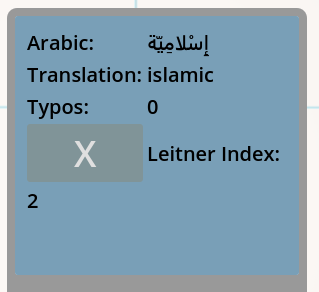
In fact, the card child is actually composed of several nodes - a margin container, a button, some labels (lots of labels.). I wasn’t about to go and implement the drop functions for all of those! That’s insane. So instead, I used the suggested mouse_filter property. As TheDex suggested above, I just added this feature to each of the nodes the make up a vocabulary card.
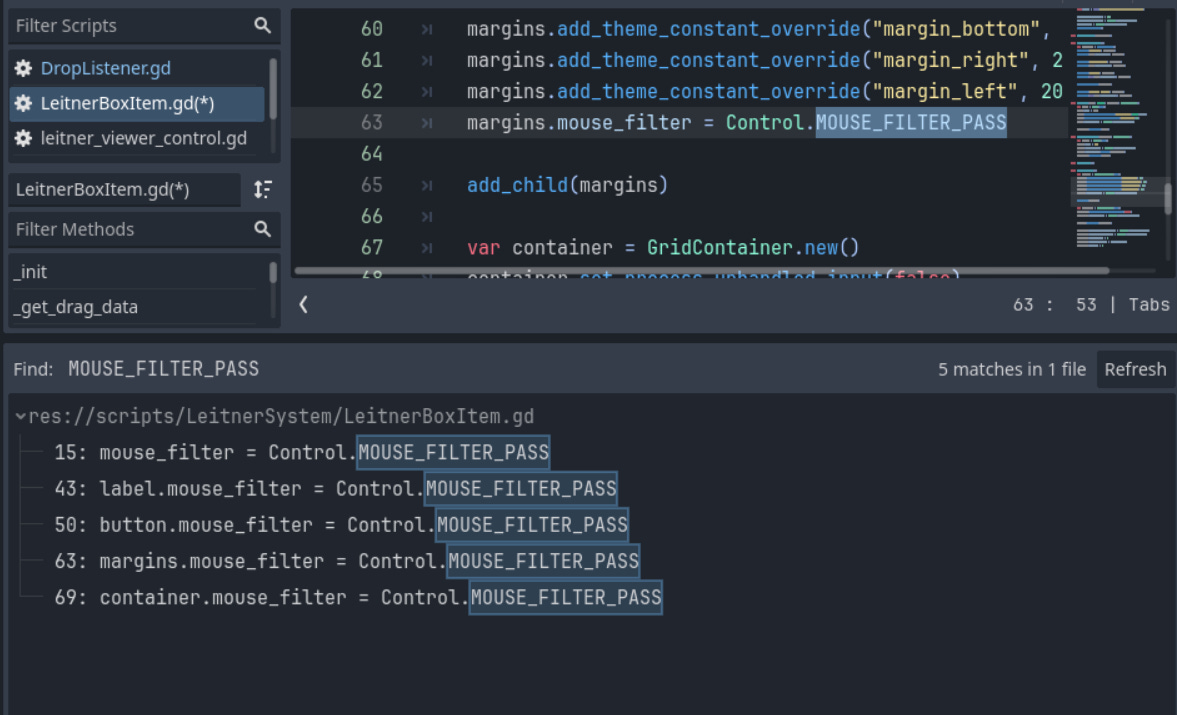
And it worked like a charm. As shown below!
